
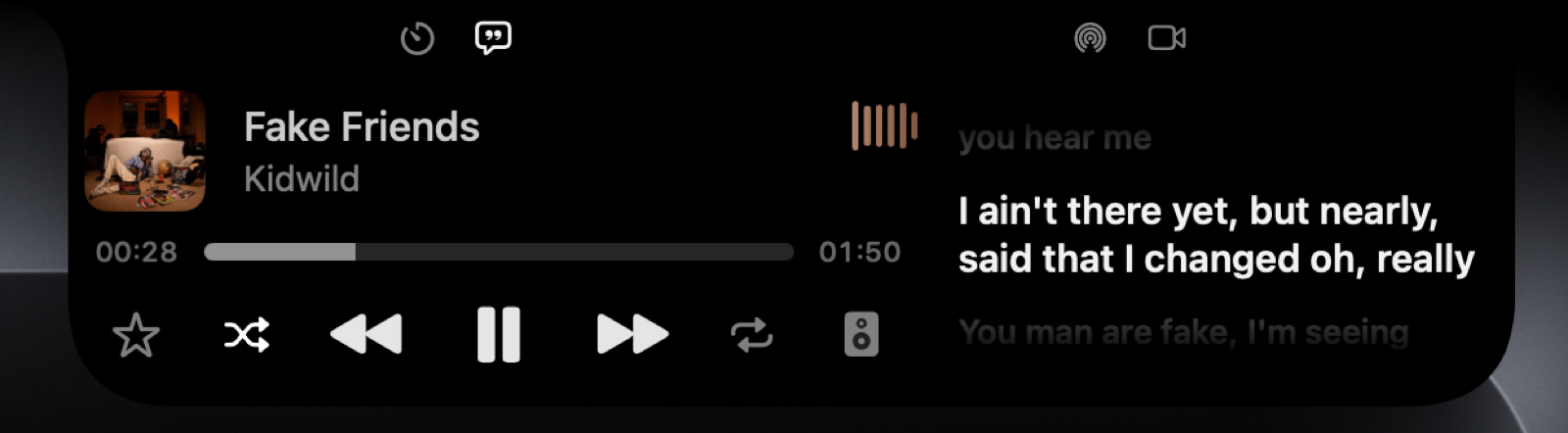
The next line lands before it is sung.
Each line takes over half a second early, so you read in time instead of chasing the vocal. Click any line to jump the song there.
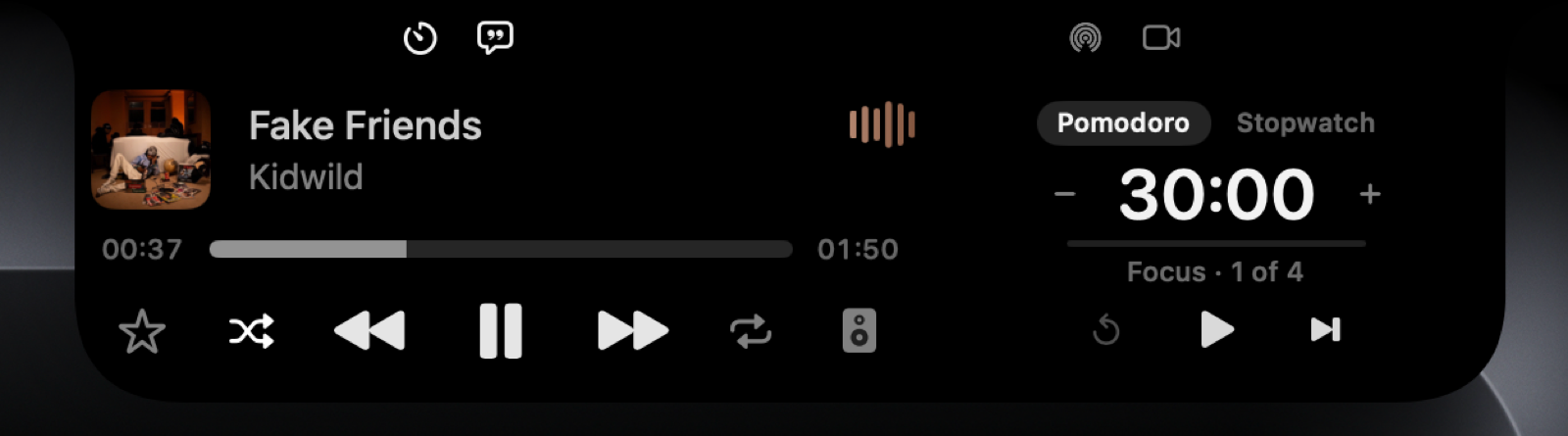
Your work session lives on the edge of the screen.
Pomodoro with automatic breaks, or a plain stopwatch. It keeps counting with the panel closed, and the time left stays in the notch while you work.
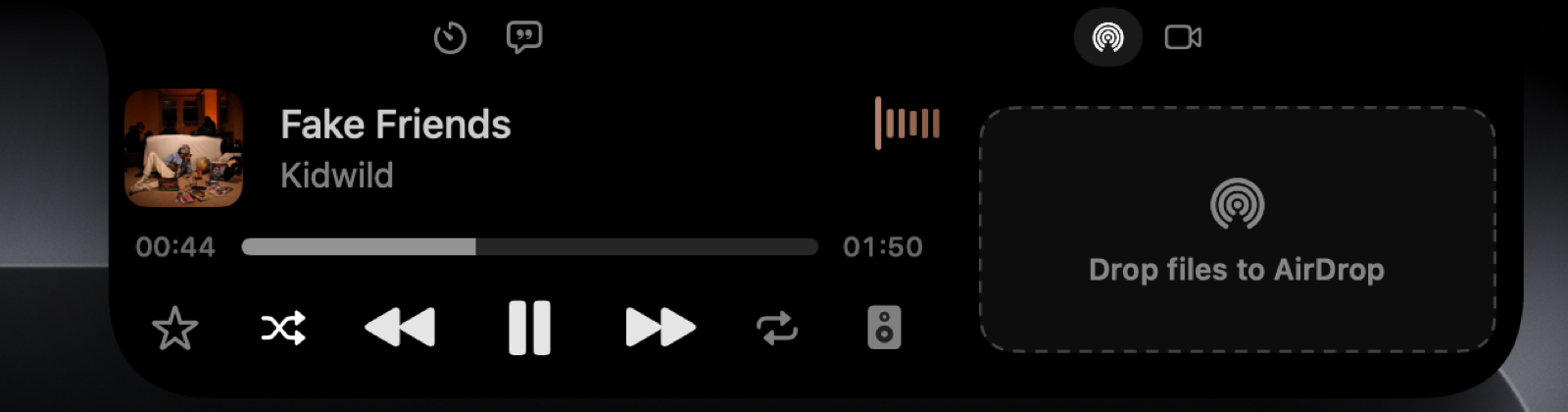
Drag the file to the top of the screen.
The drop zone opens beside the music instead of pushing the player out of the way. Drop anywhere on the panel and pick who gets it.
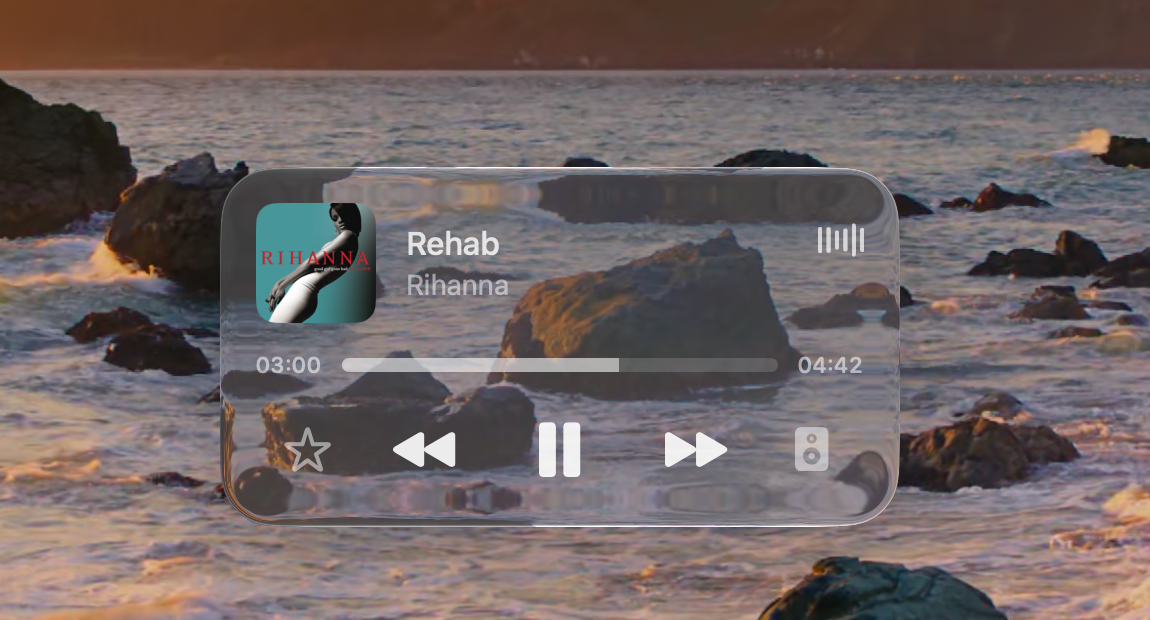
Still playing when the Mac is locked.
A glass player over your wallpaper, with a light blur behind it so the track and the controls stay readable on any background.
The system overlay, minus the system.
The grey slab macOS drops in the middle of your screen moves up into the notch, in plain white. No tint, no glow, nothing covering what you were looking at.


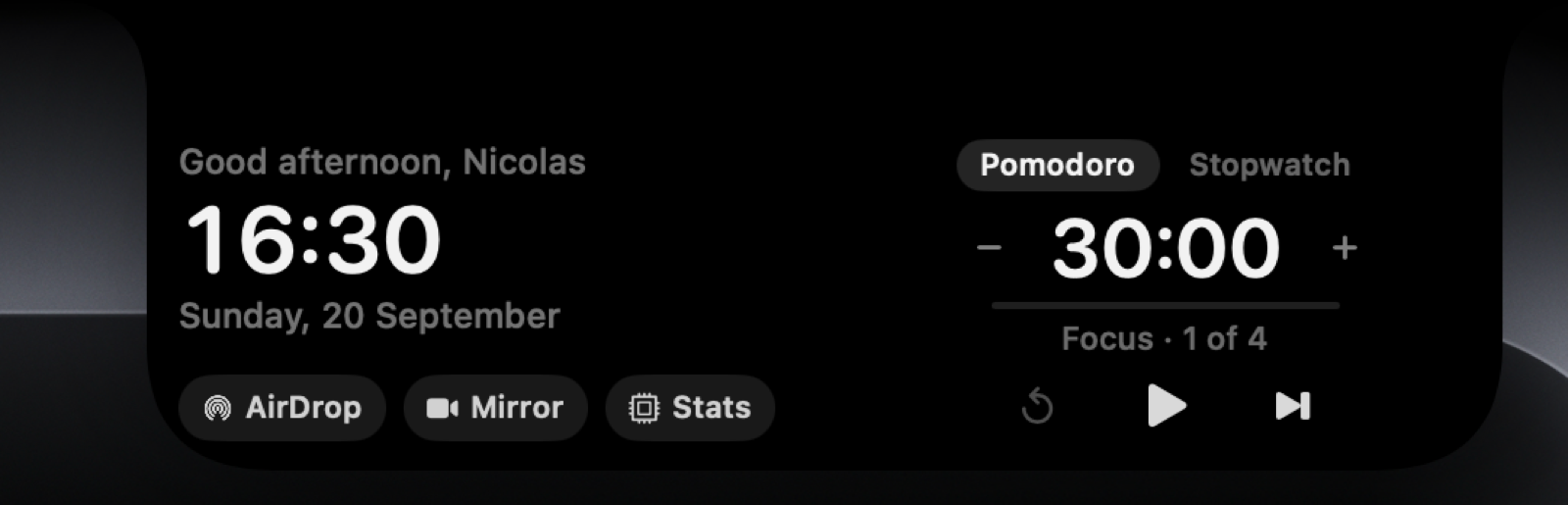
No music, so it becomes a clock.
Time, date and the shortcuts you actually use. AirDrop, a camera mirror to check your face before a call, and live CPU and memory.
Also in the box
- Keyboard lightSame quiet indicator when you change backlight
- HeadphonesBattery for the left bud, the right bud and the case
- File shelfPark files in the notch and grab them later
- OpeningHover or click, your call
- Shuffle, repeatRight in the panel, no need to open the player
- No notchBecomes a floating island at the top of the screen
macOS will complain the first time
OrianNotch is not notarized by Apple, so the system warns that it cannot verify the developer. It is the same warning you get from several open notch apps. You allow it once and never again.
Drag OrianNotch into your Applications folder and open it.
macOS says it cannot verify the app. Click Done.
Open System Settings → Privacy & Security, scroll to the bottom and click Open Anyway.
Prefer the Terminal?
xattr -dr com.apple.quarantine /Applications/OrianNotch.app
$5, once.
Launching soon. The download link will arrive by email right after payment.